KX Client
Our biggest release yetYour all-in-one
Guild Wars 2 toolkit.
We've put a lot of work into this one. Your overlays, inventory tools, navigation, and daily utilities, together in one client. Install once, set up your toolkit, and get back to Tyria.
Your daily tools. One package.
€20 per 30 days
30 days of access. Renew manually when you're ready. Available payment methods depend on your country and device.
Inside the client
See what comes in your toolkit.
Explore 12 interface screenshots
Interface tour 01 / 12
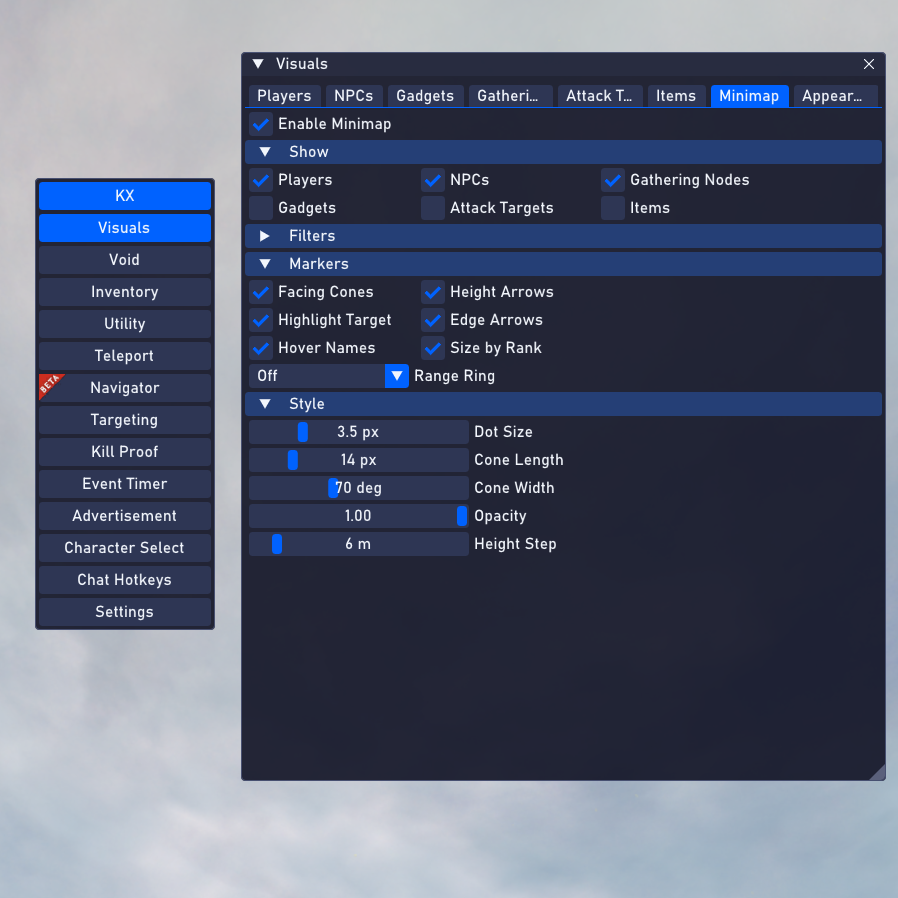
Visuals
Tune your overlay with markers, filters, and minimap display settings.
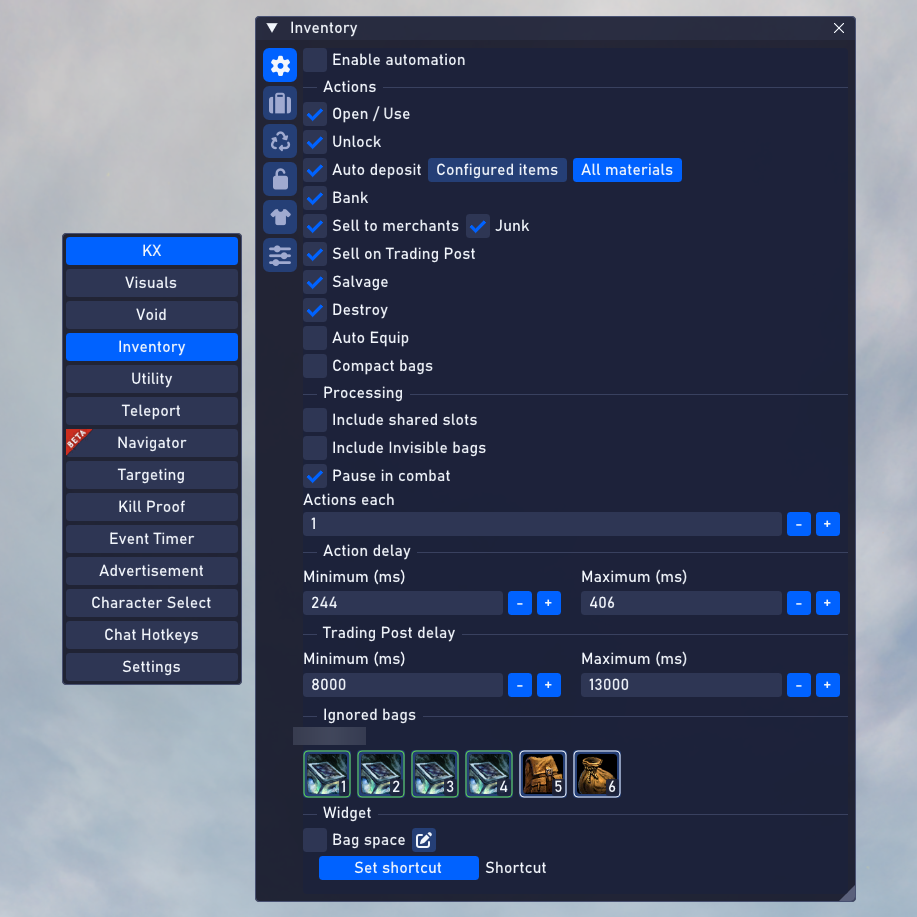
Inventory
Configure item handling, material storage, and inventory workflows.
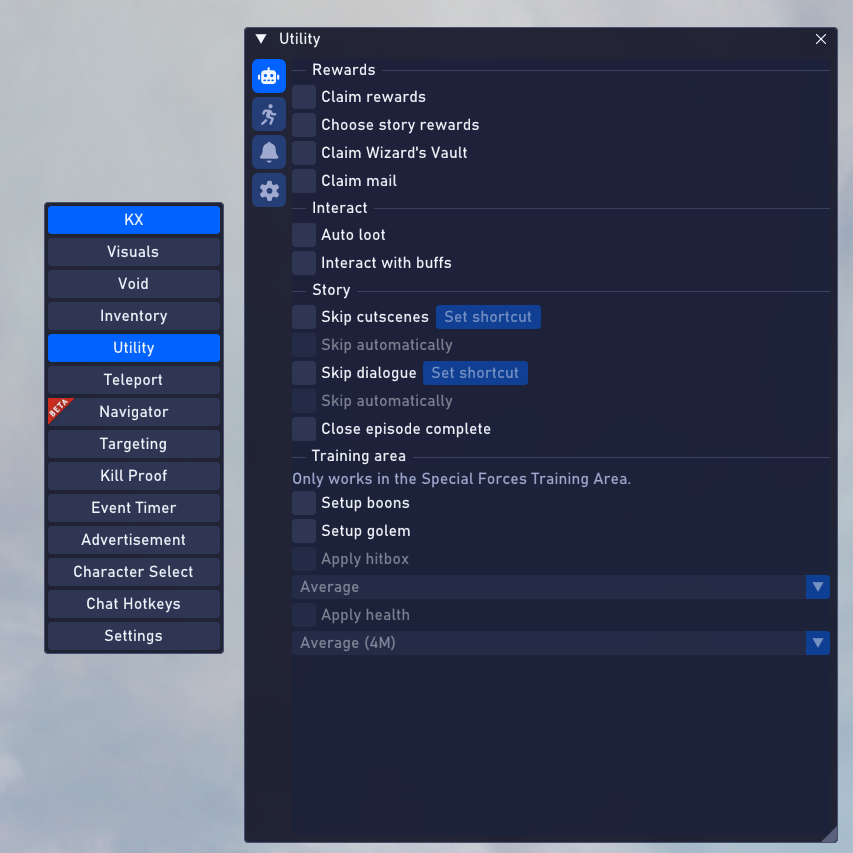
Utility: daily tasks
Bring rewards, interactions, and training-area settings into one panel.
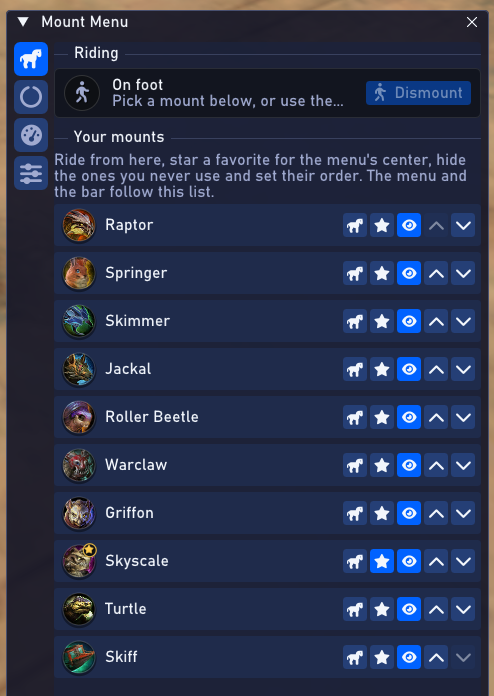
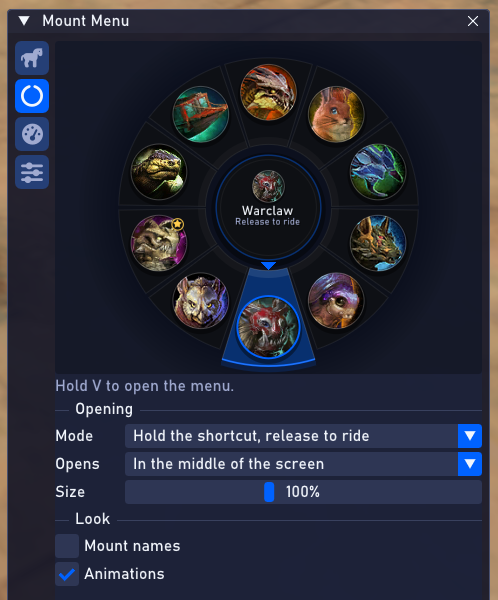
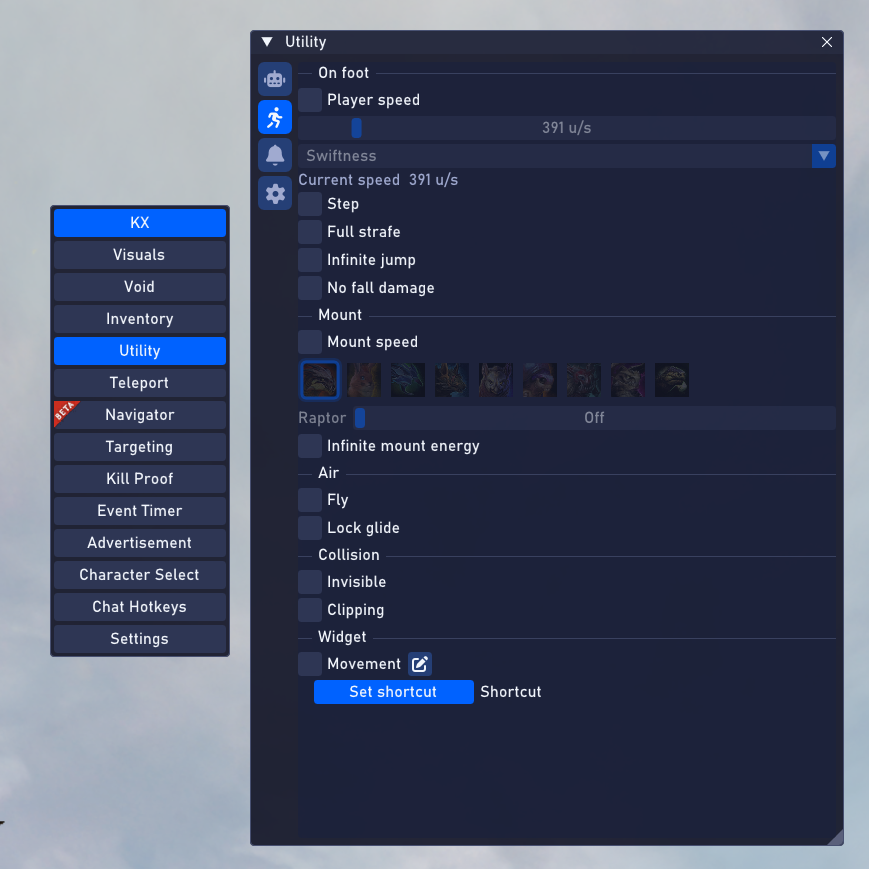
Utility: movement
Manage movement profiles, mount settings, and shortcut bindings.
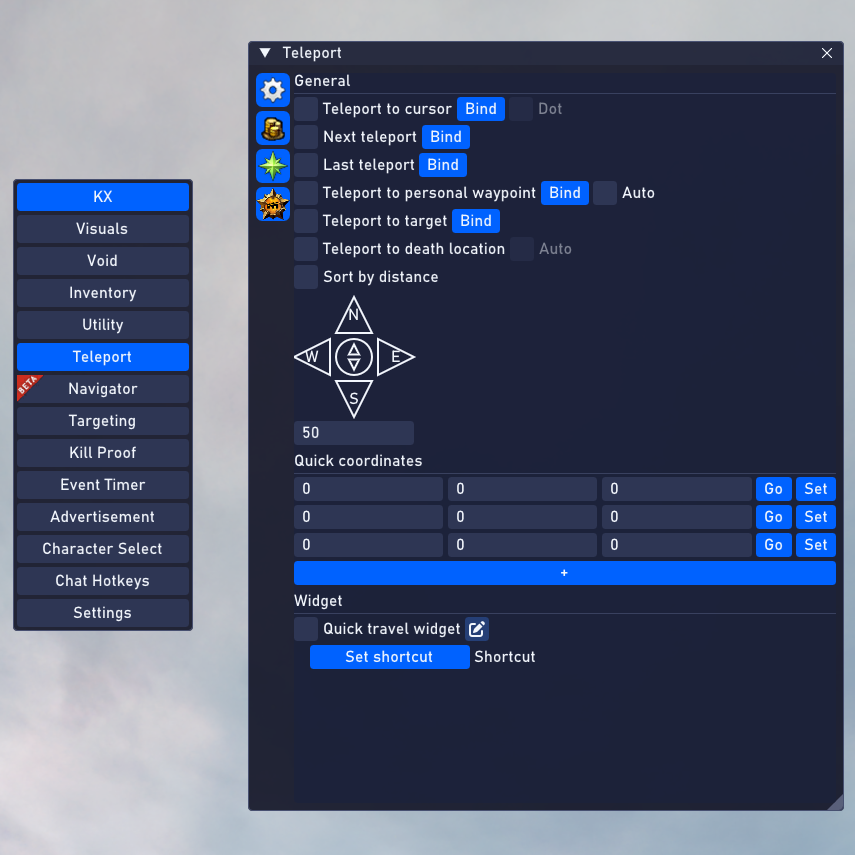
Teleport: controls
Keep positioning controls, coordinates, and travel shortcuts together.
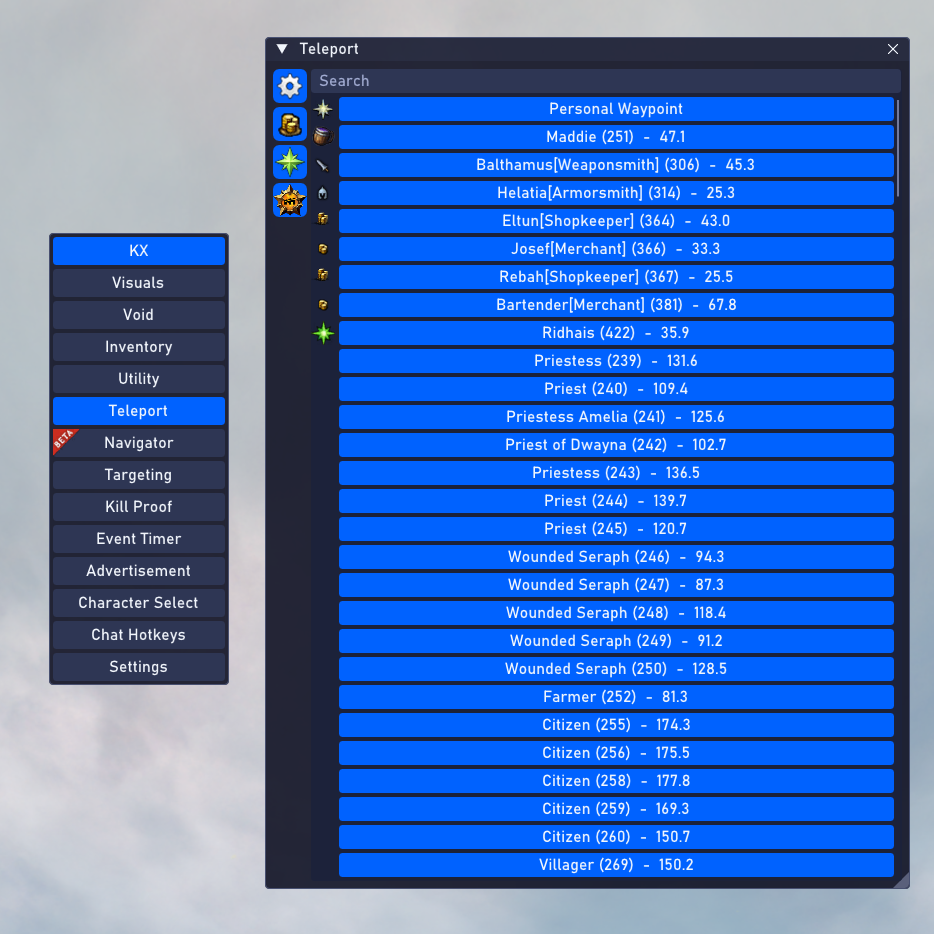
Teleport: destinations
Browse destinations and find nearby locations from a searchable list.
Early access
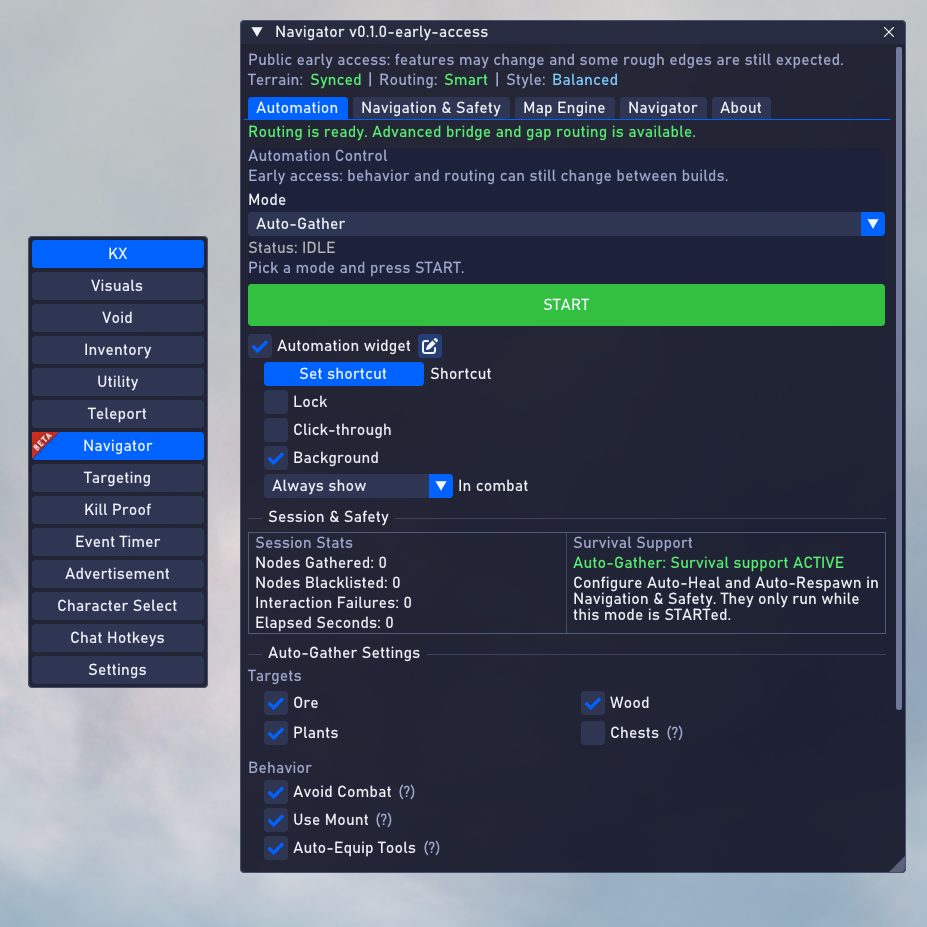
KX-Navigator
Your familiar KX-Vortex module, now called KX-Navigator. Set up gathering workflows, route preferences, and session controls.
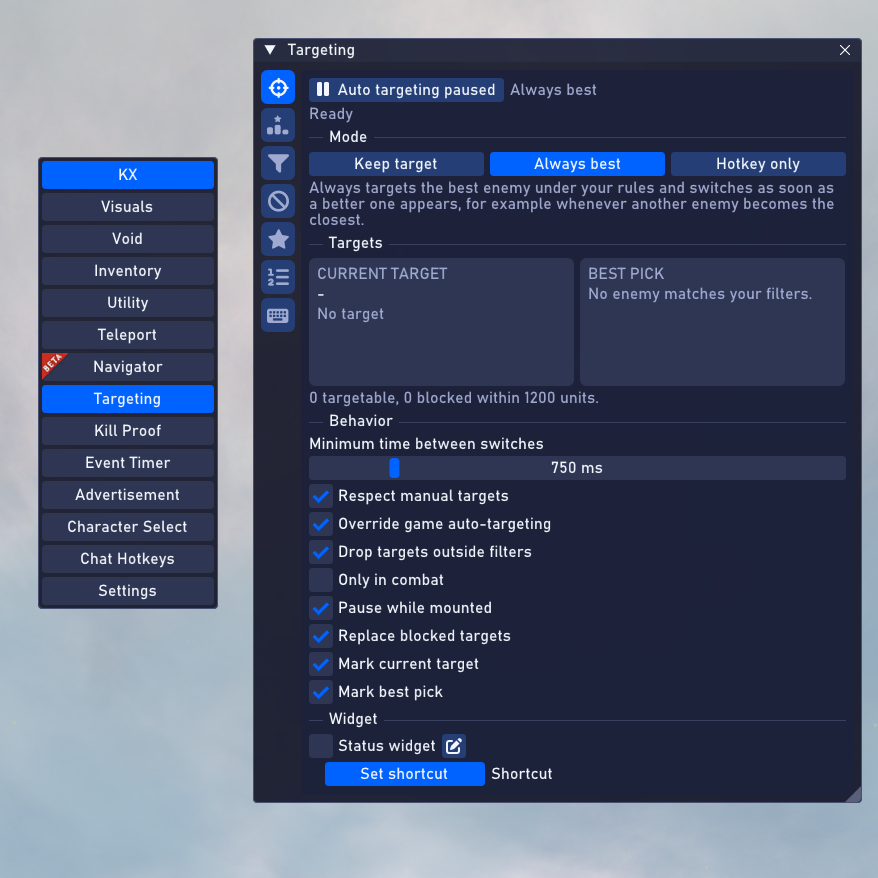
Targeting
Adjust target selection, filters, and visual indicators to suit your play style.
Kill Proof
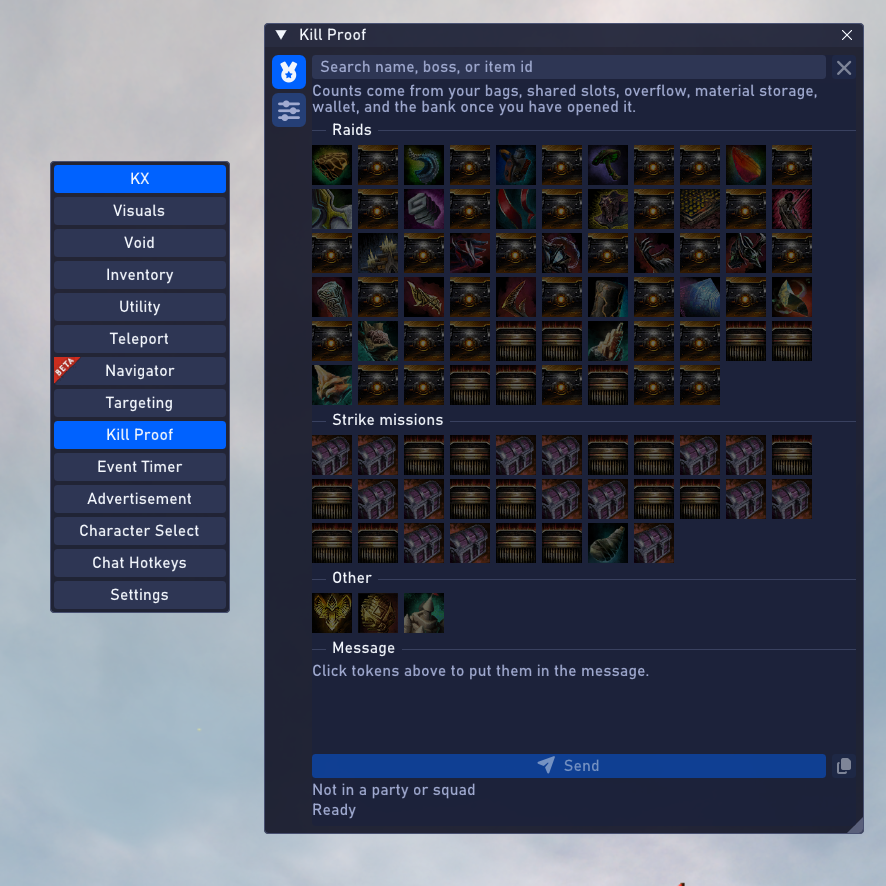
Find raid and strike tokens, then prepare a message for your group.
Event Timer
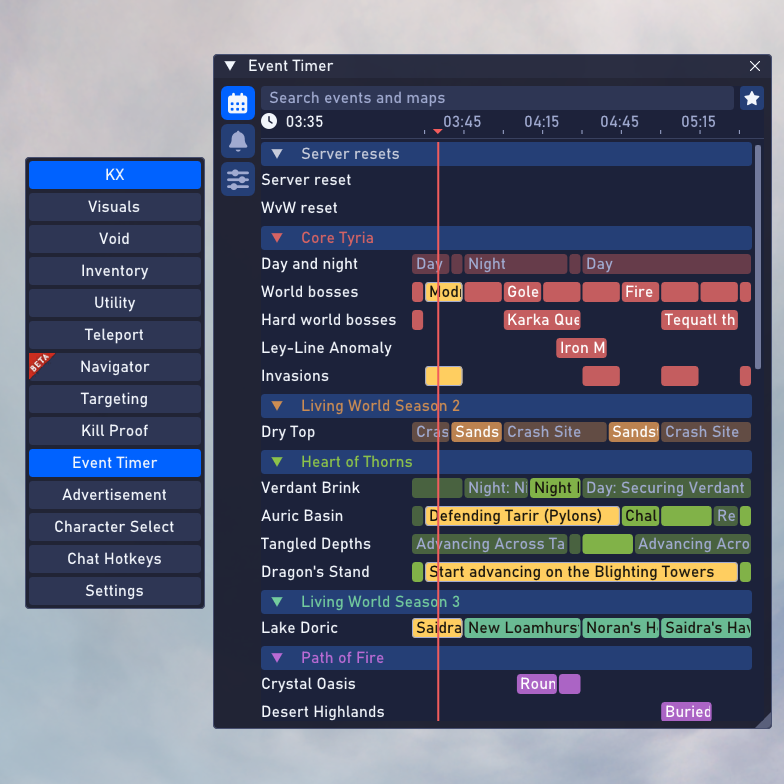
See upcoming world events and server resets on a shared timeline.
Advertisement
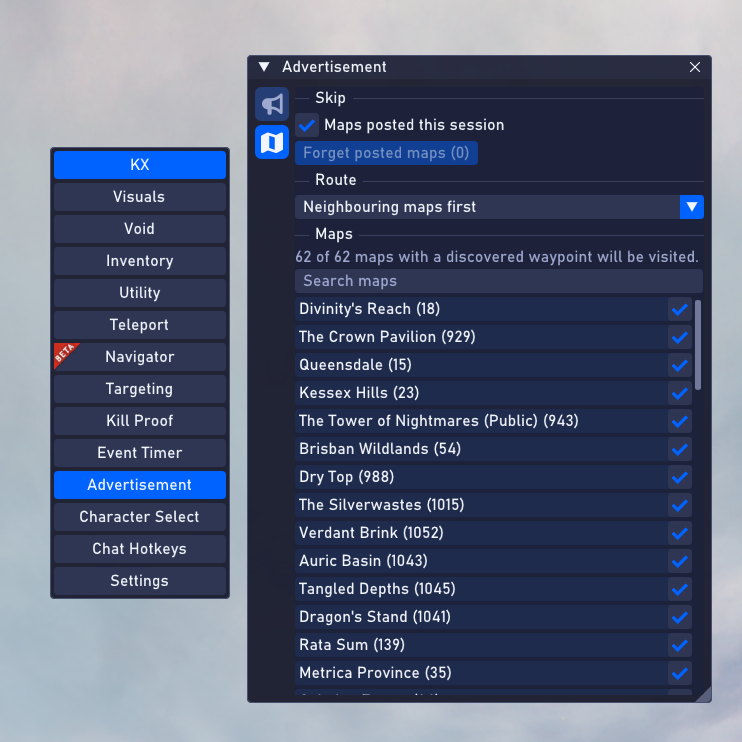
Organize map selections and route preferences for your message workflow.
Character Select
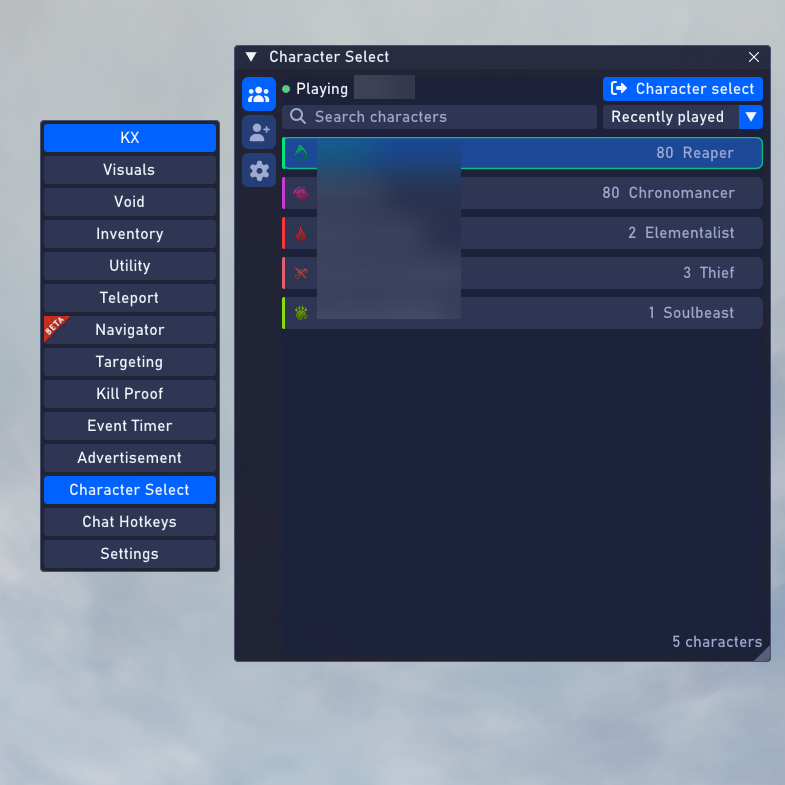
Search your characters and keep recently played choices within reach.
Select a screenshot to view it full size.
KX-Void appears in the shared menu and requires separate access. The free KX-Vision tool is a separate download.
Run unlimited concurrent Guild Wars 2 instances on your authorized machine. Each instance signs in separately.
Watch it in action
KX-Navigator in action.
Take a look at navigation and gathering workflows in Guild Wars 2. This demo was recorded as KX-Vortex, now called KX-Navigator inside KX Client.